
Transport Fever 3 on Steam Deck
Valve has not published a rating yet, so the store shows no Verified or Playable badge. No rating is not a failed rating. The game has full controller support and a native Linux build, but its minimum PC spec is a GTX 1060-class card, and simulation-heavy saves lean hard on the CPU.
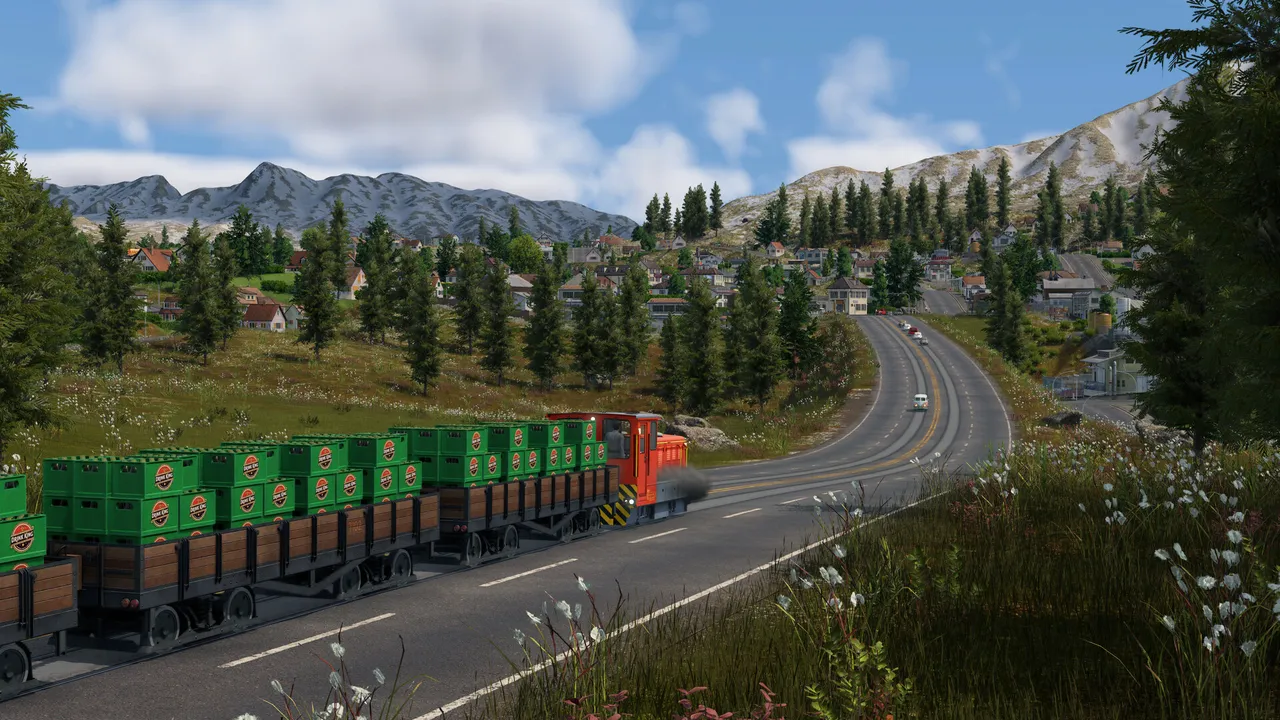
In its favour
- Full controller support, including a radial menu built for pads
- A native Linux build, so no translation layer is strictly needed
- The Deck's processor supports AVX2, which the game requires
Worth watching
- Graphics below the stated PC minimum
- 90 GB of storage, which rules out the smallest Deck
- A known controller soft-lock when opening an empty build menu
Checking the rating yourself
- 1
Open the game's Steam store page on the Deck
The compatibility badge sits under the purchase box. Verified, Playable, Unsupported or no badge at all. - 2
Read the notes under the badge
Playable ratings list what Valve found, such as small text or a launcher that needs the touchscreen. - 3
Buy with the refund window in mind
Steam refunds within two weeks of purchase and under two hours of play, which is enough to try a small map.
If you try it
Start with a Small map and a modest number of towns. The game's own advice for slow simulation is to place fewer towns close together, since every resident is simulated. The controller menu bug and its workaround are on the PS5 page, and the full hardware list is on the system requirements page.